Get started
share-doc documentation
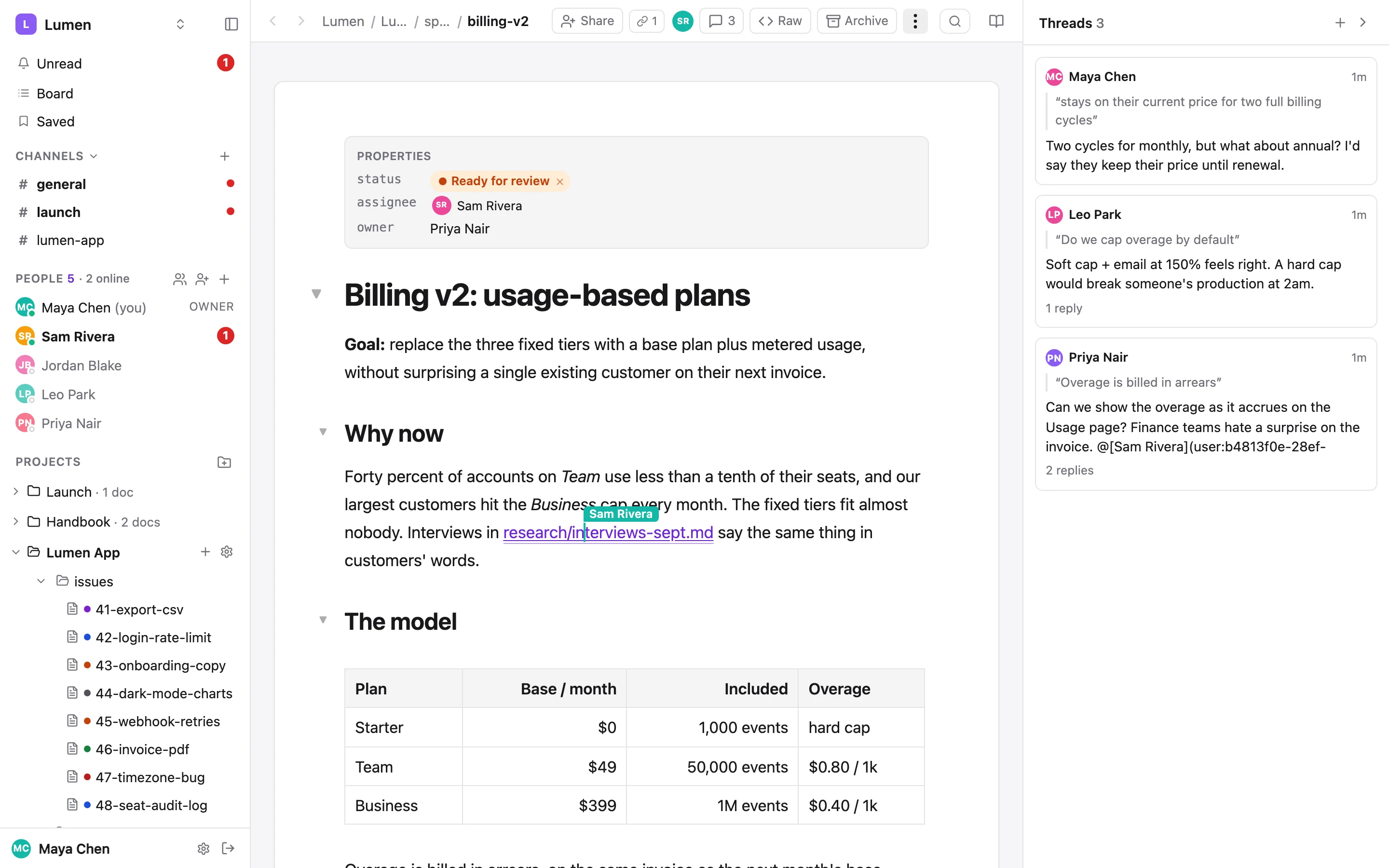
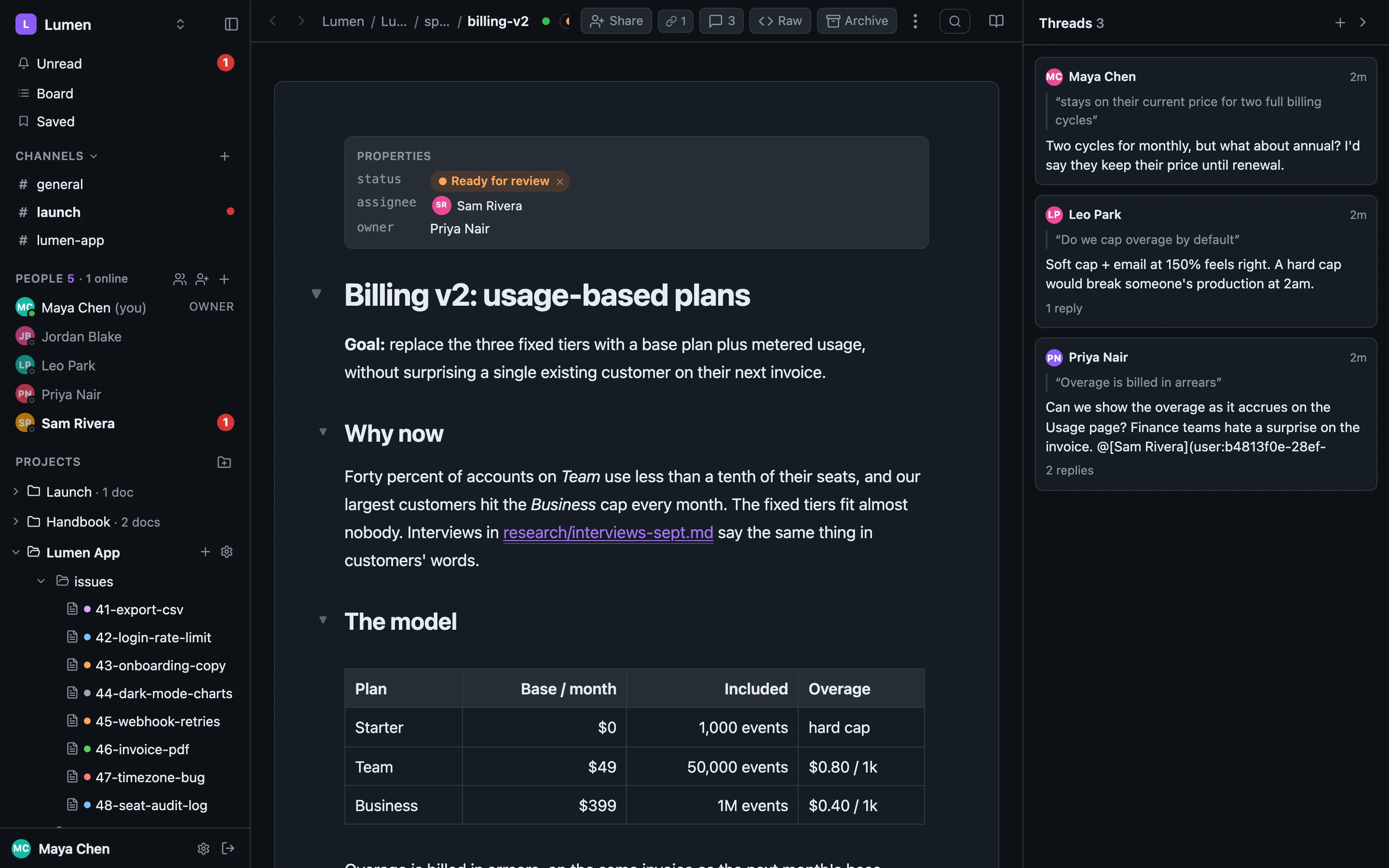
share-doc is a shared workspace built on a folder of plain markdown. The same .md files are a folder on your disk, a live document in the browser, and the centre of a team chat. The sharedoc CLI ties the three together for you and for your agents.
Start here#
Quick startInstall the CLI, log in, pair a folder. About five minutes.ConceptsWorkspaces, projects, docs, threads, channels, connected folders.CLI referenceEvery command, flag, JSON shape and exit code.
Three ways in#
Pick the one that matches what you have. They mix freely: a project can have a repo's clone, a plain folder and an agent all syncing at once.
- You have a repo. Pair its
docs/folder with a project, gitignore it, and tell your agent. Code stays in git; prose lives in share-doc. Docs in your repo → - You have a folder. Any folder: a deal room, a handbook, a client's brief.
sharedoc share ./folderturns it into a project and a join link in one command. Share a folder → - You have an agent and no folder. Install the CLI, set
SHAREDOC_TOKEN, and read and write withsharedoc files. Working with agents →
Guides#
Docs in your repoSync a repo’s docs/ folder, gitignore it, and let your agent keep it tidy.Working with agentsHand your agent the skill, the comments, the chat and the work queue.Agents of their ownAn agent with its own name, tokens and guardrails, woken by a mention.Share a folderOne command from a folder to a join link, for clients and collaborators.
Features#
The editorLive markdown editing: tables, diagrams, media, raw view, front-matter.Comments & historyThreads on a passage, backlinks, revisions, diffs and restore.ChatChannels, DMs, threads, huddles, drafts, send later, saved items.Statuses & the boardStatuses and assignees in front-matter, and a board across projects.SyncConnected folders, the sync service, selective sync, big files, approvals.Files & mediaImages, video, PDFs, HTML pages, _inbox and archive.Sharing & permissionsRoles, private projects, invitations, join links, file and folder shares.Search⌘K across files, folders, messages, channels and people, with filters.Notifications & mobileUnread, push, snooze, working hours, statuses, and the app on a phone.SlackBring Slack channels and DMs in, two-way, as you.